> For the complete documentation index, see [llms.txt](https://docs.neuron-ai.dev/llms.txt). Markdown versions of documentation pages are available by appending `.md` to page URLs; this page is available as [Markdown](https://docs.neuron-ai.dev/v1/getting-started/streaming.md).
# Streaming
Presenting AI response to your user in real-time.
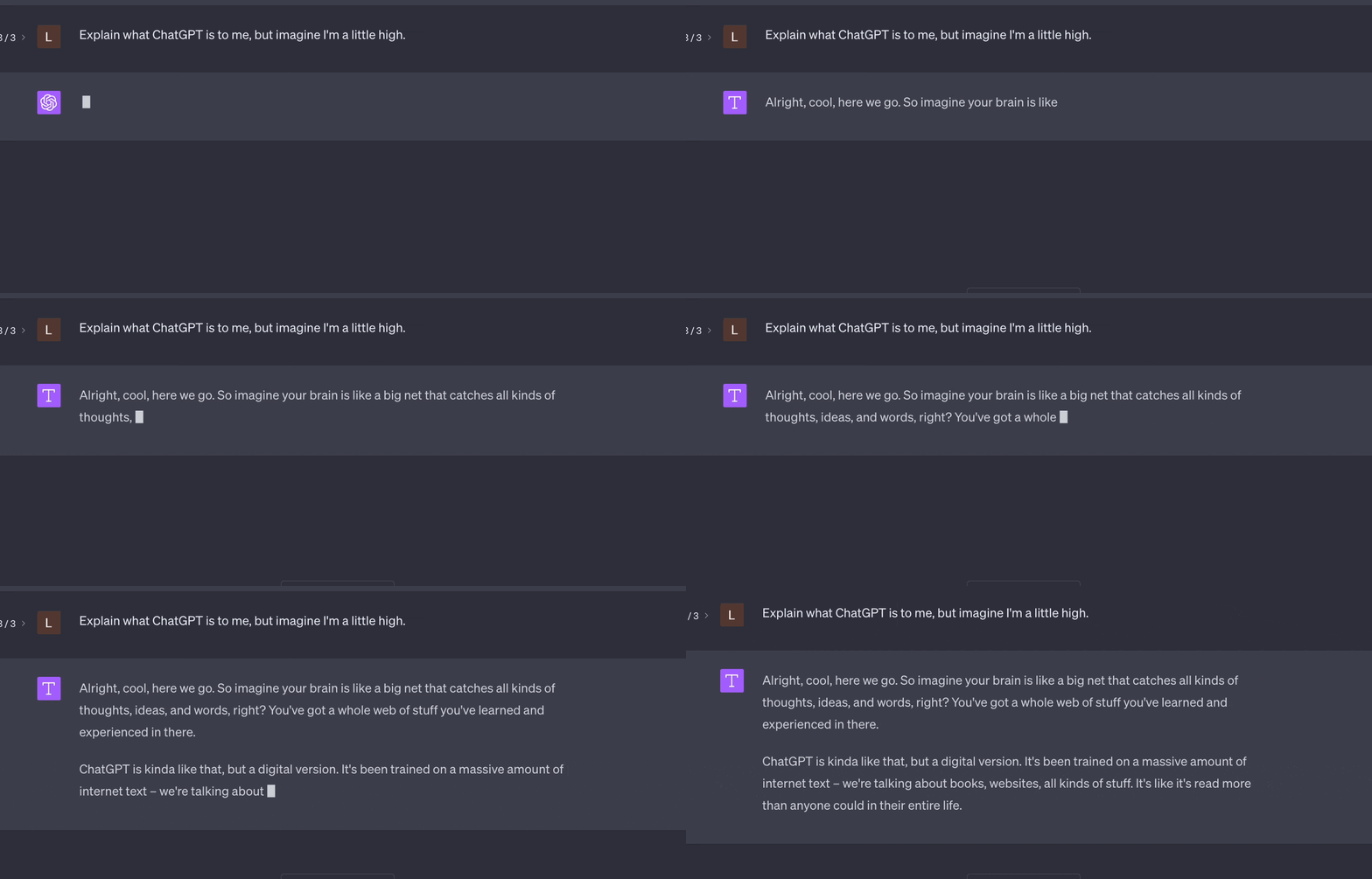
Streaming enables you to show users chunks of response text as they arrive rather than waiting for the full response. You can offer a real-time Agent conversation experience.
### Agent
To stream the AI response you should use the `stream()` method to run the agent, instead of `chat()`. This method return a PHP generator that can be used to process the response as an iterable object.
```php
use App\Neuron\MyAgent;
use NeuronAI\Chat\Messages\UserMessage;
$stream = MyAgent::make()->stream(
new UserMessage('How are you?')
);
// Print the response chunk-by-chunk in real-time
foreach ($stream as $text) {
echo $text;
}
// I'm fine, thank you! How can I assist you today?
```
### Streaming & Tools
Neuron support Tools & Function calls in combination with the streaming response. You are free to provide your Agents with Tools and they will be automatically handled in the middle of the stream, to continue toward the final response.
```php
use App\Neuron\MyAgent;
use NeuronAI\Chat\Messages\UserMessage;
use NeuronAI\Tools\Tool;
$stream = MyAgent::make()
->addTool(
Tool::make(
'get_server_configuration',
'retrieve the server network configuration'
)->addProperty(...)->setCallable(...)
)
->stream(
new UserMessage("What's the IP address of the server?")
);
// Iterate chunks
foreach ($stream as $chunk) {
if ($chunk instanceof ToolCallMessage) {
// Output the ongoing tool call
echo PHP_EOL.\array_reduce(
$chunk->getTools(),
fn(string $carry, ToolInterface $tool)
=> $carry .= '- Calling tool: '.$tool->getName().PHP_EOL,
'');
} else {
echo $chunk;
}
}
// Let me retrieve the server configuration.
// - Calling tool: get_server_configuration
// The IP address of the server is: 192.168.0.10
```
### Monitoring
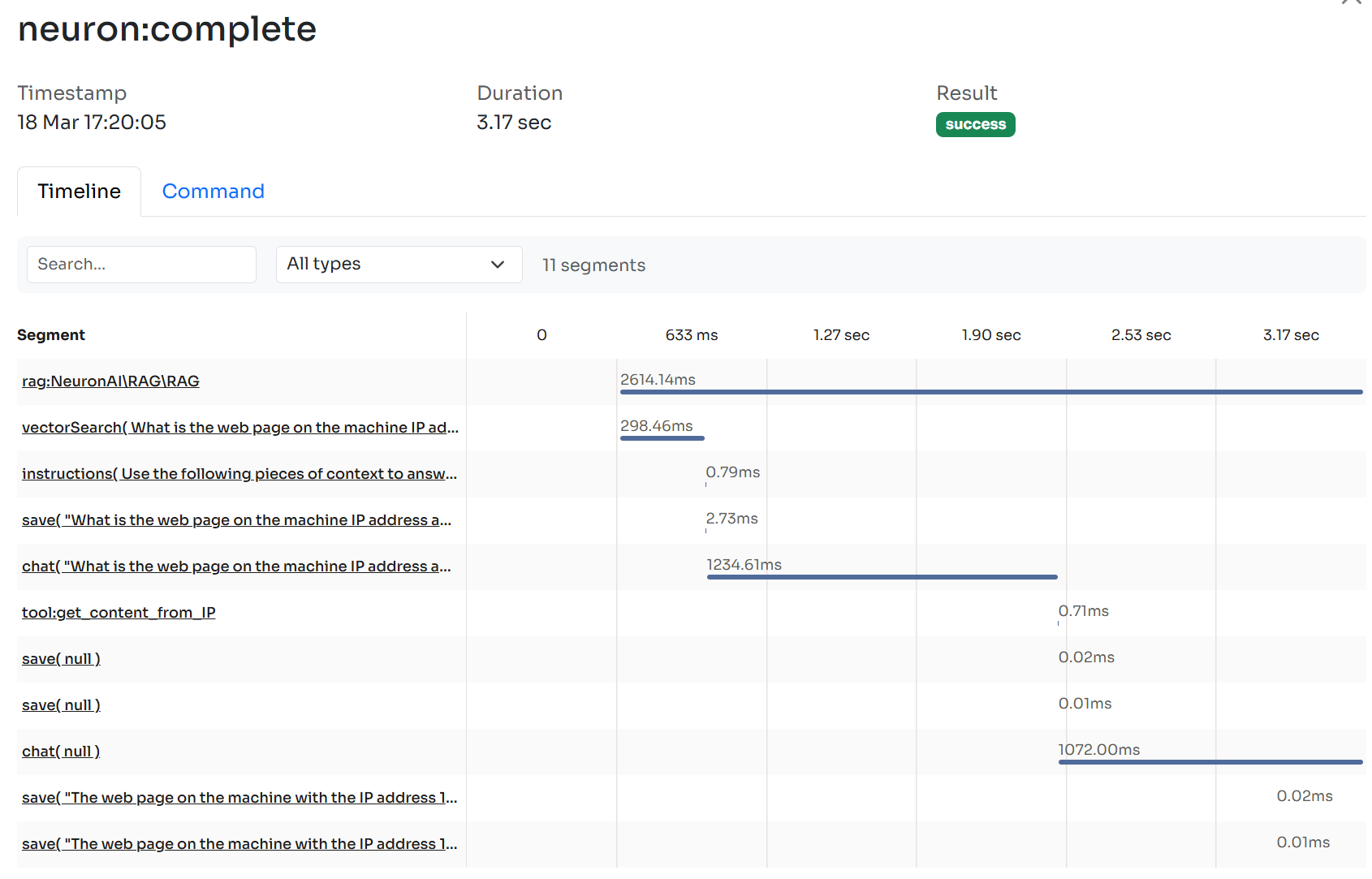
To watch inside this workflow you should connect your Agent to the [Inspector monitoring dashboard](https://inspector.dev/) in order to see the tool call execution flow in real-time.
After you sign up at the link above, make sure to set the `INSPECTOR_INGESTION_KEY` variable in the application environment file to start monitoring:
{% code title=".env" %}
```
INSPECTOR_INGESTION_KEY=nwse877auxxxxxxxxxxxxxxxxxxxxxxxxxxxx
```
{% endcode %}
{% hint style="info" %}
Learn more about Agent observability in the [dedicated documentation](/v1/advanced/observability.md).
{% endhint %}