> For the complete documentation index, see [llms.txt](https://docs.neuron-ai.dev/llms.txt). Markdown versions of documentation pages are available by appending `.md` to page URLs; this page is available as [Markdown](https://docs.neuron-ai.dev/v2/workflow/getting-started.md).
# Getting Started
Guide, moderate, and control your multi-agent system with human-in-the-loop.
### What is a Workflow
A workflow is an event-driven, node-based way to control the execution flow of an application.
Your application is divided into sections called Nodes which are triggered by Events, and themselves return Events which trigger further nodes. By combining nodes and events, you can create arbitrarily complex flows that encapsulate logic and make your application more maintainable and easier to understand.
A node can be anything from a single line of code to a complex agent. It can have arbitrary inputs and outputs, which are passed around by Events. It's like n8n at code level.
Workflow allows you to use all the Neuron components like AI providers, embeddings, data loaders, chat history, vector store, etc, as standalone components to create totally customized agentic entities.
Agent and RAG classes represent a ready to use implementation of the most common patterns when it comes to tool calls, retrieval use cases, structured output, etc. Workflow allows you to program your agentic system completely from scratch. Agent and RAG can be used inside a Workflow to complete tasks as any other component if you need to perform AI tasks during workflow execution.
What makes Neuron Workflows special is their **streaming** and **interruption** capabilities. This means your multi agent system can stream updates directly to clients, pause mid-process, ask for human input, wait for feedback, and then continue exactly where it left off – even if that's hours or days later.
### Why Use Workflows Instead of Regular Scripts?
You might be thinking: "This sounds great, but why can't I just write a regular PHP script with some if-statements and functions?" It's a fair question, and one I heard a lot while building Neuron. The answer becomes clear when you consider what happens when your process needs to go vs multiple branches, several loops and intermediate checkponts, streamimng real-time updates to the client, or even pause, wait, and resume.
When you are at the beginning and your use case is yet quite simple you couldn't see the real potential of Workflow, and it's normal. Keep in mind that if things hit the fan, Neuron already has a solution to help you scale.
### Development Benefits
From a developer perspective, Workflows solve several painful problems:
**Model and maintain complex scenario**: With these simple building blocks you will be able to create simple processes with a few steps, up to complex workflows with iterative loops and intermediate checkpoints.
**Human in the Loop**: Seamlessly incorporates human oversight. You can deploy AI in sensitive areas because humans are always in the loop for critical decisions.
**Streaming**: You can send real-time updates to the client during workflow execution.
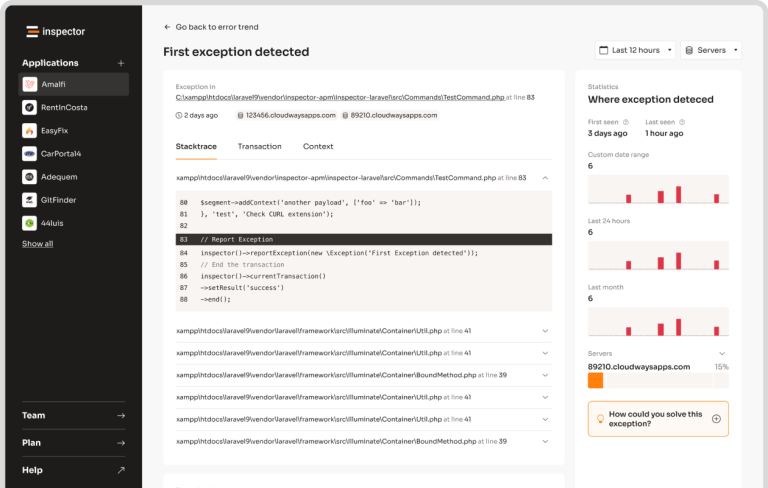
**Debugging with inspector**: Instead of wondering why your workflow made a particular decision, you can see exactly what's happening on any node.
**User Trust**: When users know a human reviewed important decisions, they're more likely to trust and adopt your AI system.
### Monitoring & Debugging
Before moving into the Workflow creation process, we recommend having the monitoring system in place. It could make the learning curve of how Workflow works much more easier. The best way to monitoring Workflow is with [Inspector](https://inspector.dev/).
After you sign up at the link above, make sure to set the `INSPECTOR_INGESTION_KEY` variable in the application environment file to monitoring Workflow execution:
{% code title=".env" %}
```
INSPECTOR_INGESTION_KEY=nwse877auxxxxxxxxxxxxxxxxxxxxxxxxxxxx
```
{% endcode %}